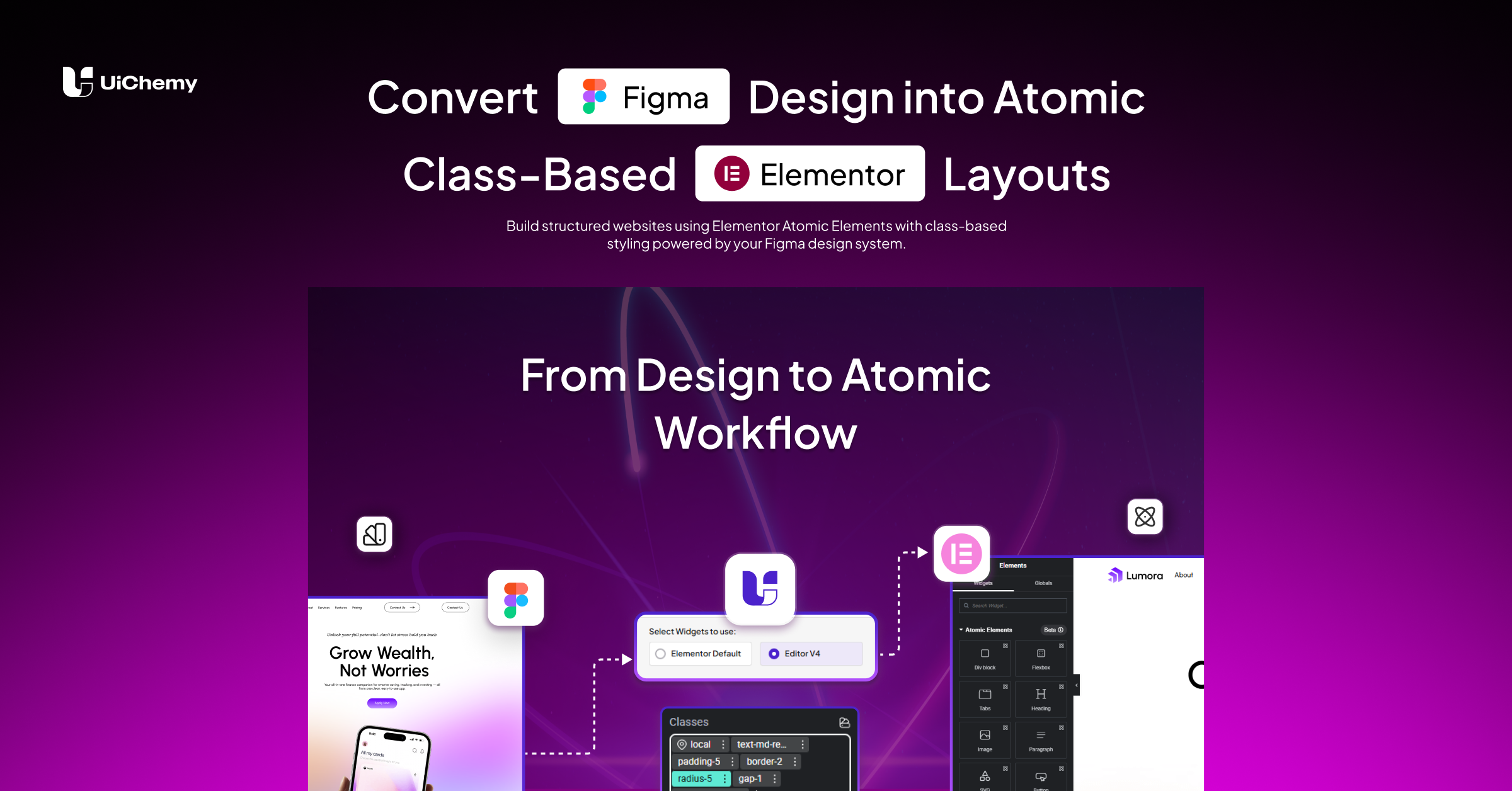
Convert Figma Design into Atomic Class-Based Elementor Layouts


Trusted by 80k+ users
Build structured websites using Elementor Atomic Elements with class-based styling powered by your Figma design system.
No manual setup required. Works with your existing design system.

As Seen On
0K+
Figma Designers are using UiChemy to Convert Figma to WordPress
0+
We Support Elementor, Gutenberg & Bricks Page Builder for WordPress.
0K+
Figma Pages Have Been Converted Around the World.
0+
Pre-Designed Figma Templates & Sections to Save Time on Design Creation
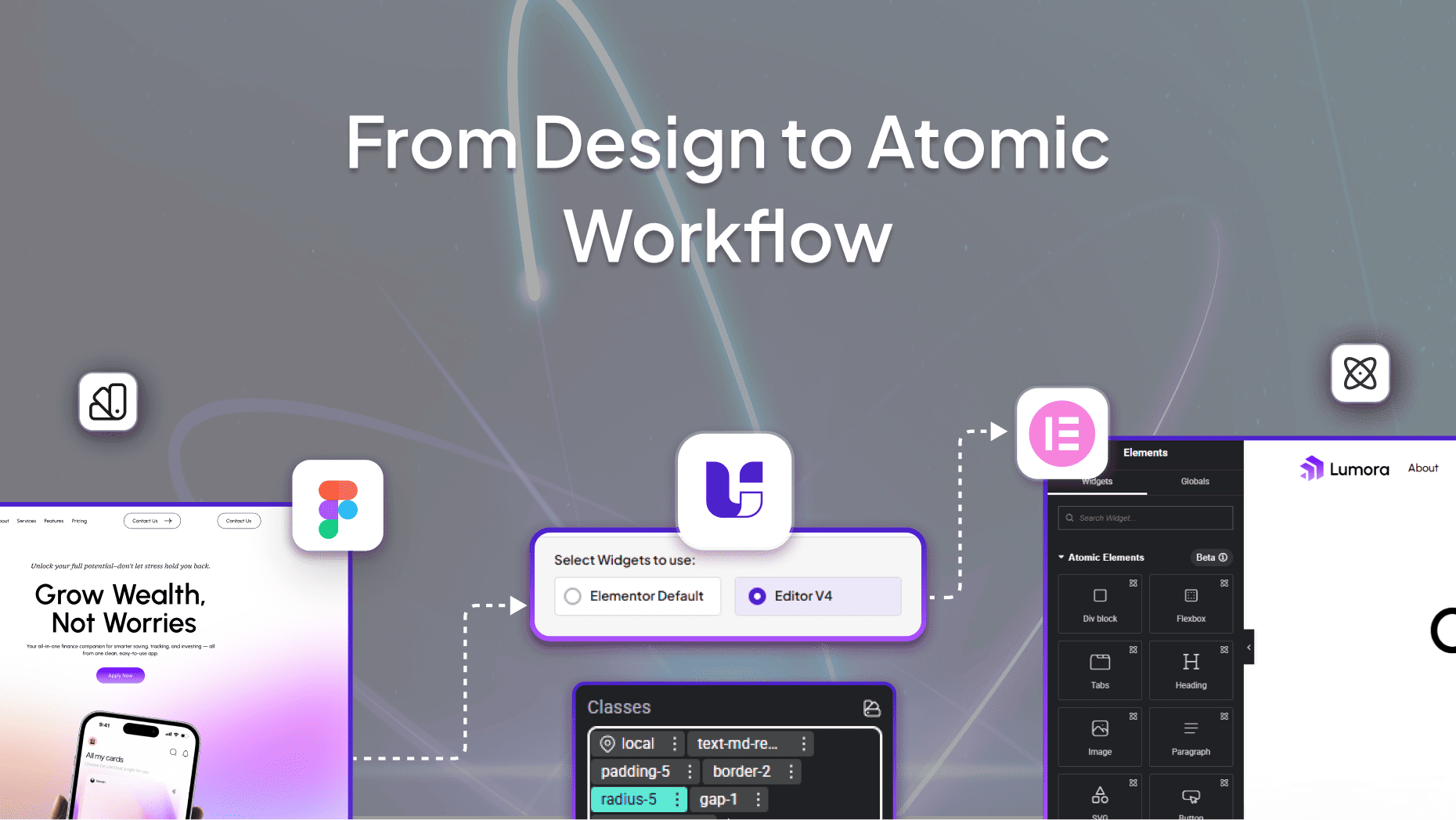
From Figma Design to Atomic Elementor Output
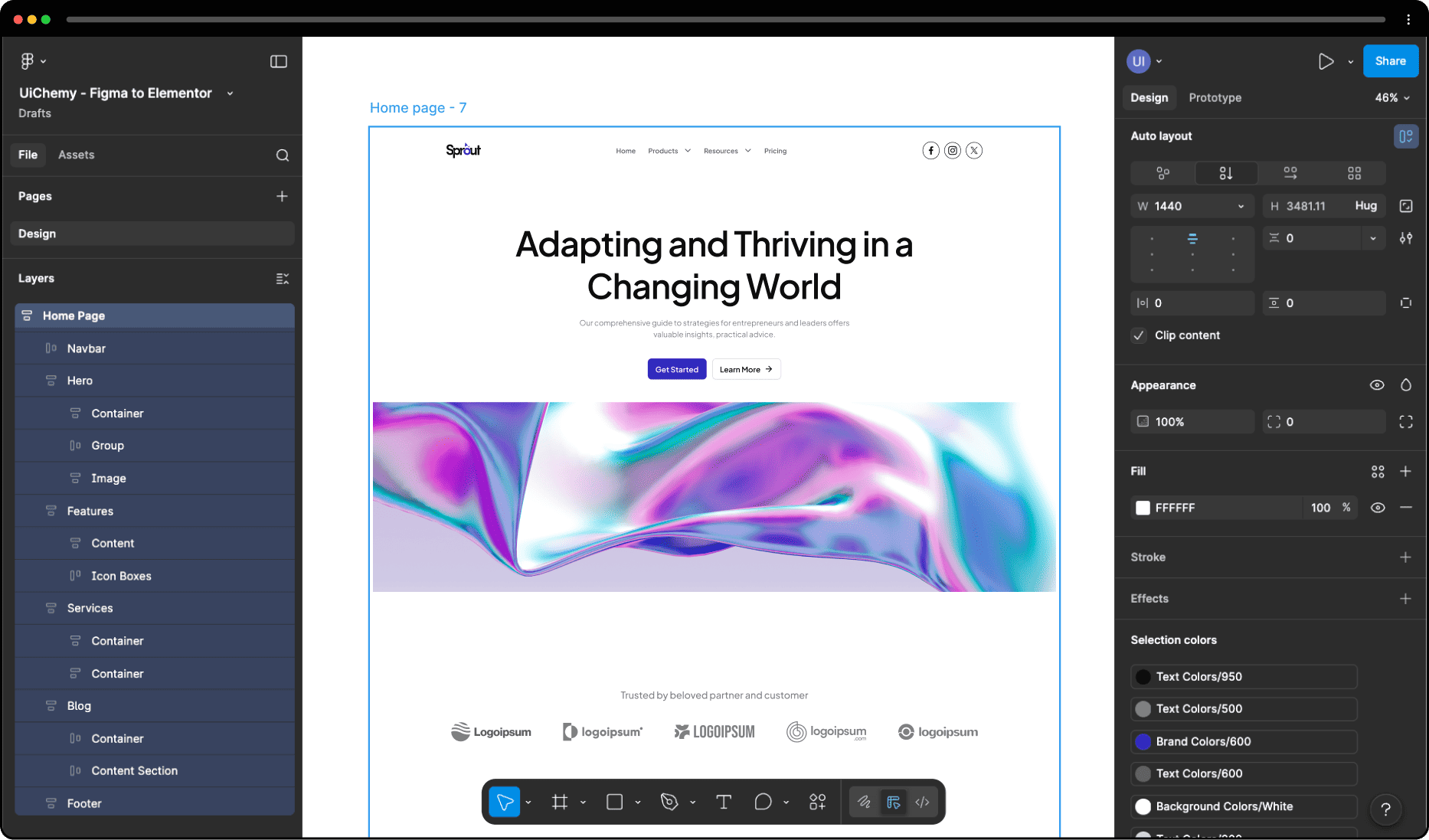
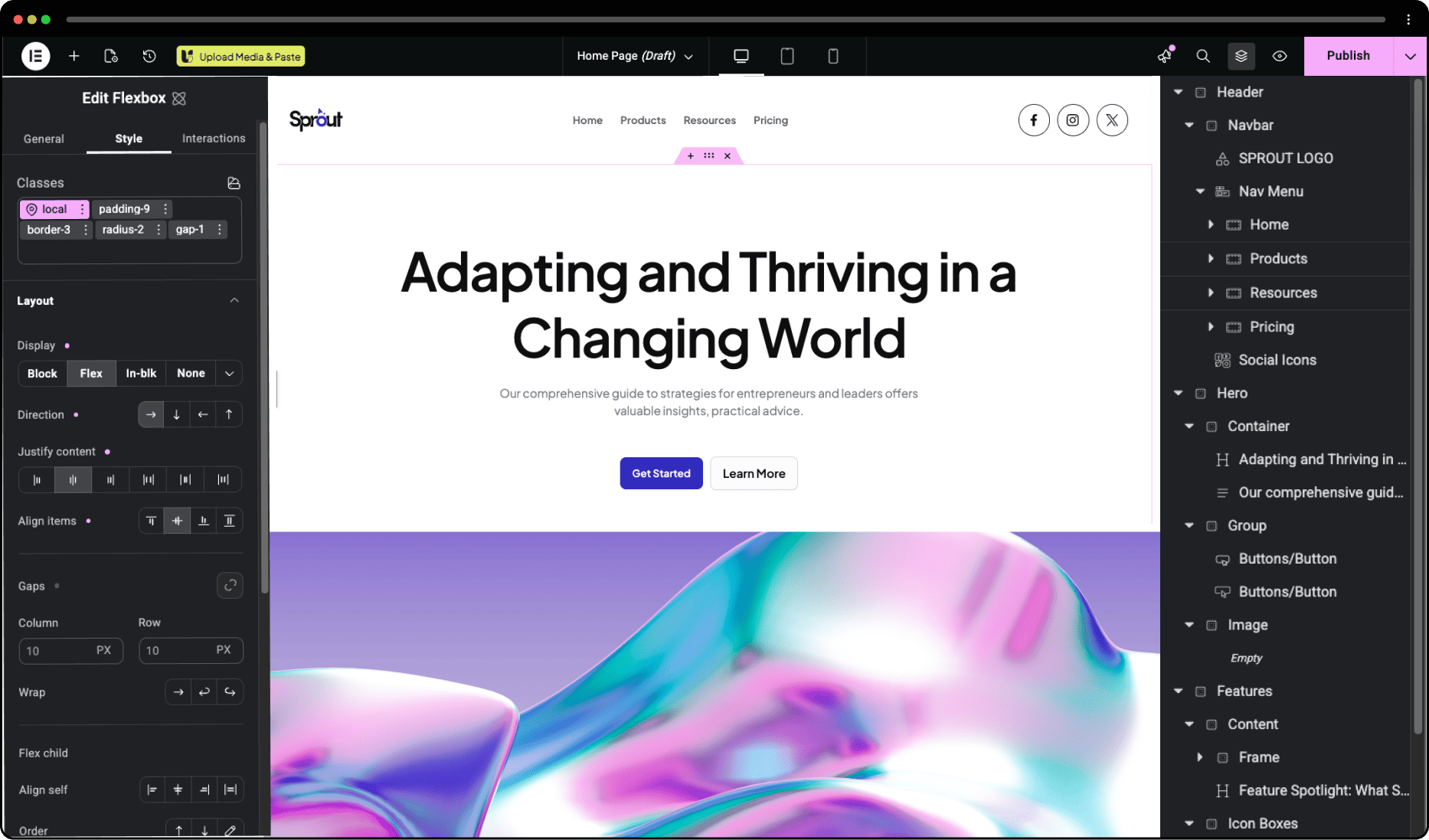

A Better Way to Build from Figma
Atomic Workflow with UiChemy
Built for Atomic Workflow
UiChemy enables a structured workflow where your Figma design is converted into Atomic elements inside Elementor.
Your layout is no longer just visual, it follows a system:

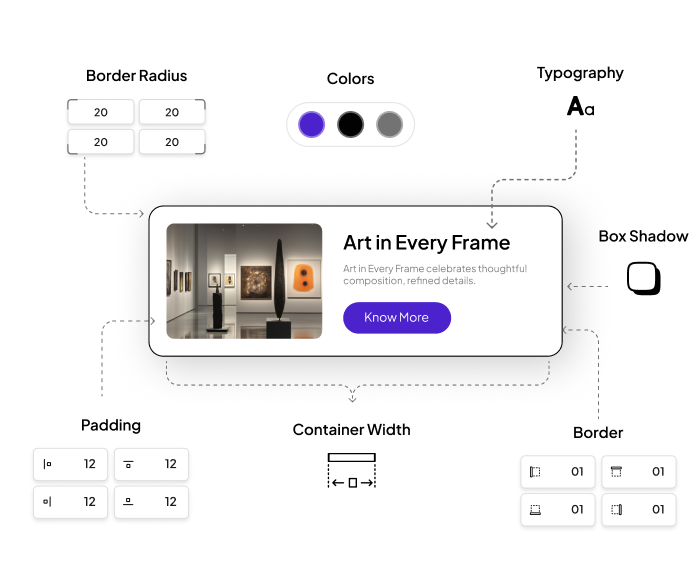
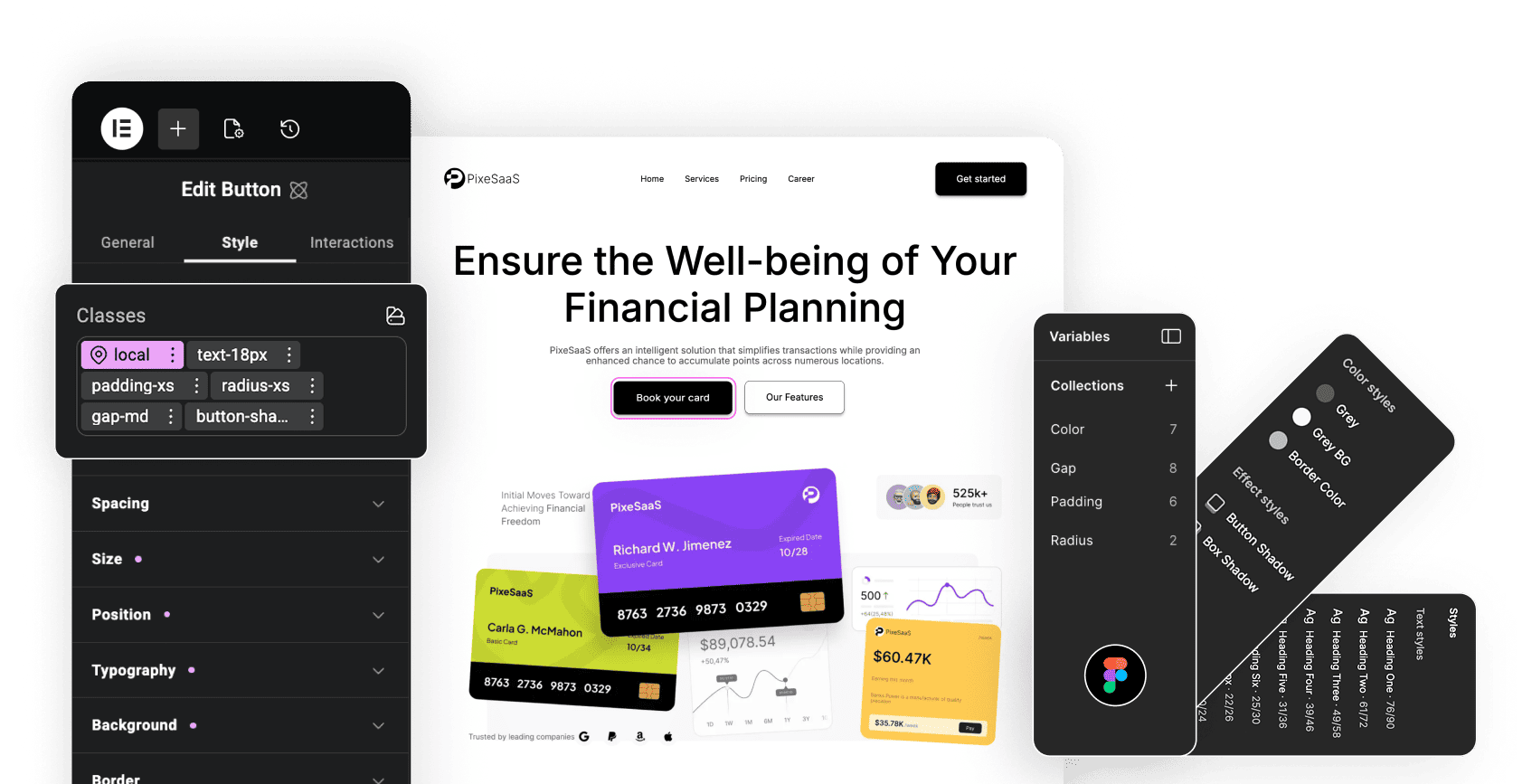
Class-Based Global Styling
Convert Figma styles into reusable classes
When you export your design:


All styles are converted into reusable classes and applied during export, keeping your design consistent across the entire site.
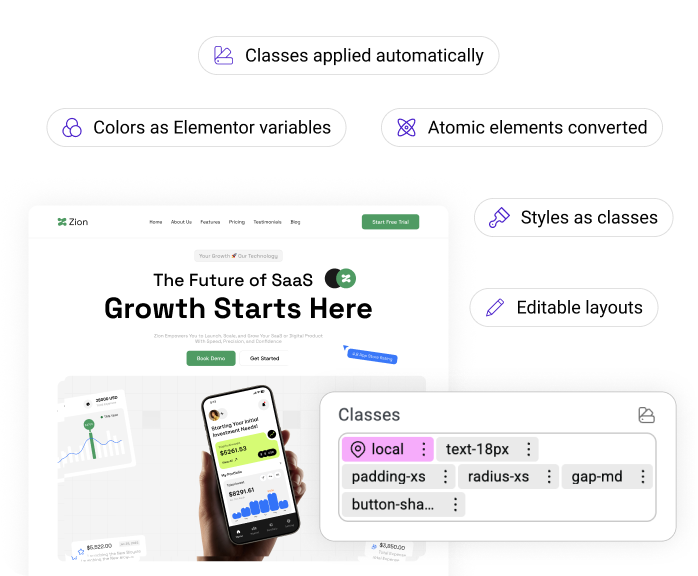
Automatic Class Application
Classes Applied Automatically During Export
UiChemy enables a structured workflow where your Figma design is converted into Atomic elements inside Elementor.
Your design system becomes your working system inside Elementor.
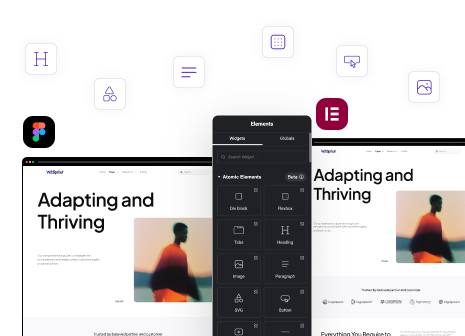
No Manual Tagging Required
Automatically detect elements from your design layout
UiChemy identifies elements in your layout and converts them into Atomic elements:


No manual tagging required. Your layout structure is detected automatically.
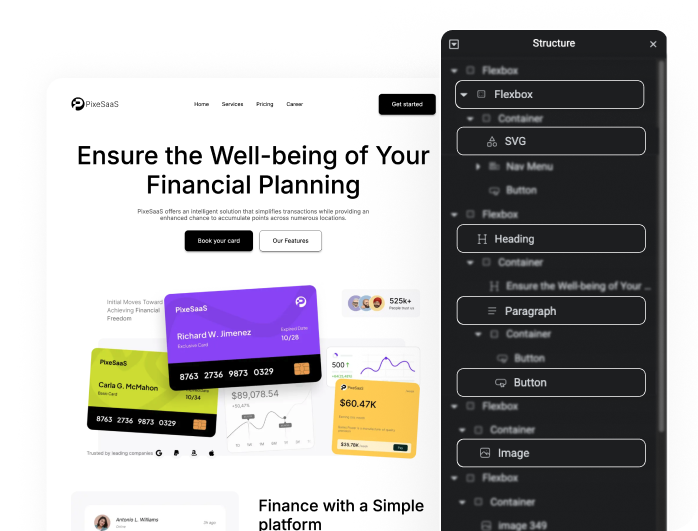




No Tagging Needed. Just Convert.
UiChemy analyzes your layout and assigns the right Atomic elements automatically. Save time and generate clean, structured Elementor layouts instantly.


Turn Your Design System into Atomic Classes
Turn your design and style guide into structured Atomic elements and reusable classes. Keep everything consistent, organized, and fully editable inside Elementor.
Everything Under One Figma Plugin to Streamline Your Design Process Like Never Before
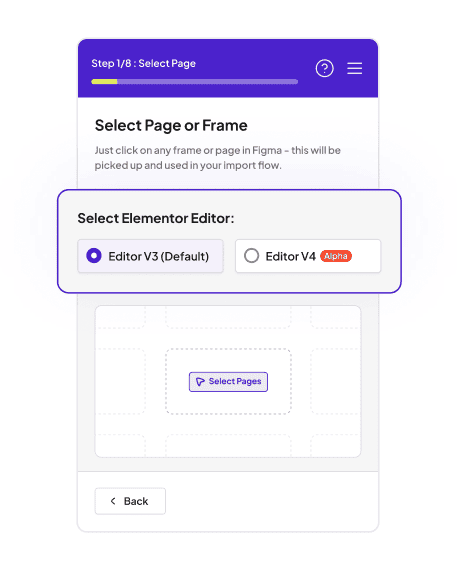
Choose Elementor Editor Version
UiChemy supports the new Elementor Editor V4, built with a CSS-first system. Simply select Editor V4 to generate structured, fully compatible layouts using Atomic elements and classes.
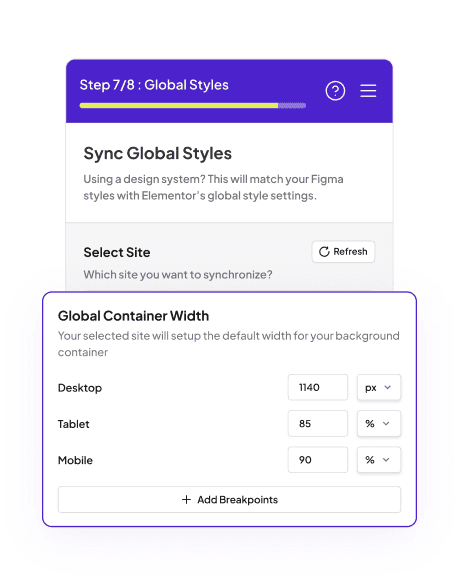
Global Boxed Width Container Sync
Set your global container width and keep layouts consistent across all breakpoints. Easily control your site’s structure with centralized width settings.
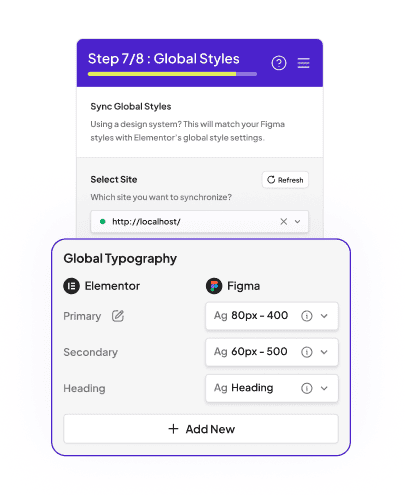
Global Typography
Sync your Figma text styles directly with Elementor. Maintain consistent fonts, sizes, and hierarchy across your entire website.
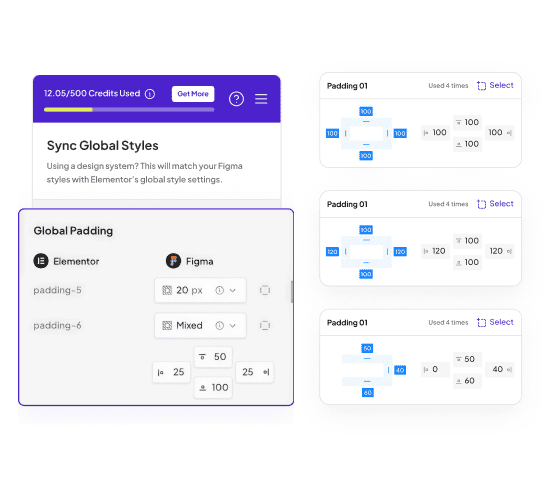
Global Padding
Apply consistent padding values across all containers and sections. Keep spacing uniform and aligned with your design system.
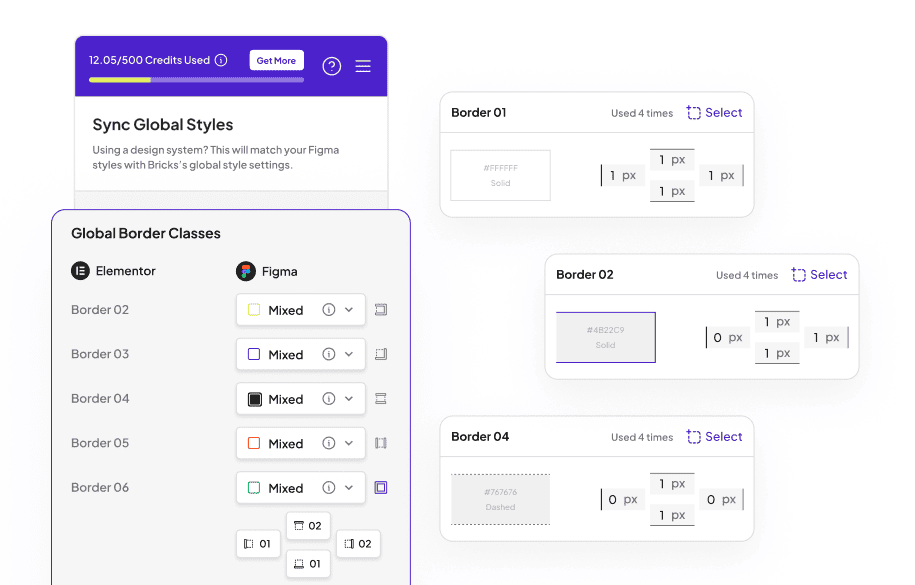
Global Border
Define border styles globally and maintain consistency across components. Easily manage border width, style, and color from one place.
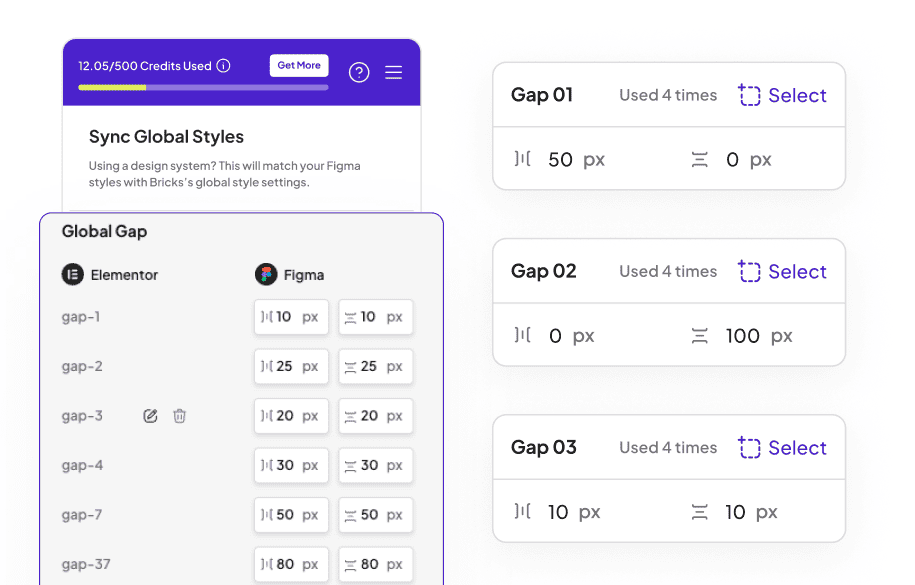
Global Gap
Control spacing between elements using global gap settings. Perfect for flexbox-based layouts in Atomic Elements.
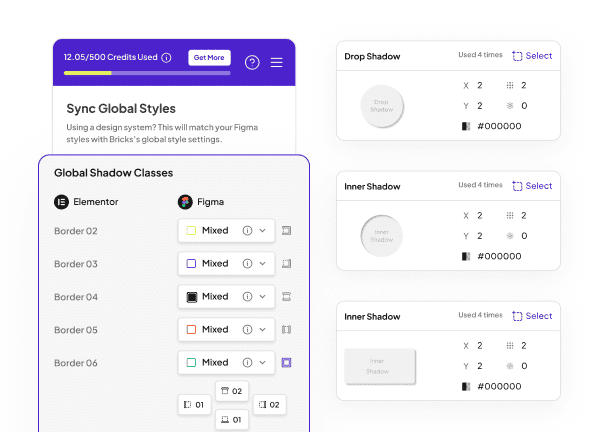
Global Box Shadow
Apply consistent shadow effects across all elements. Enhance depth and visual hierarchy with reusable shadow styles.
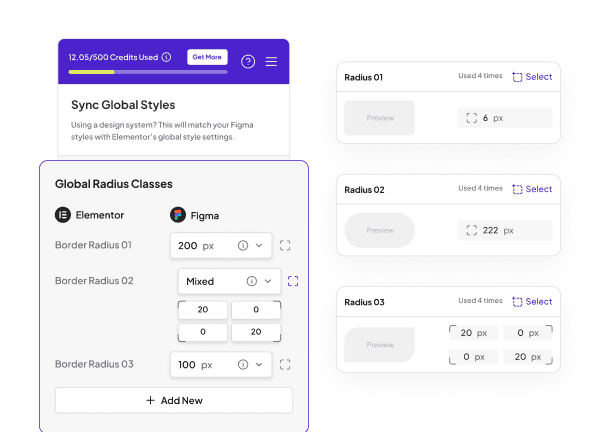
Global Border Radius
Maintain consistent corner radius across your design. Ensure uniform styling for buttons, cards, and containers.
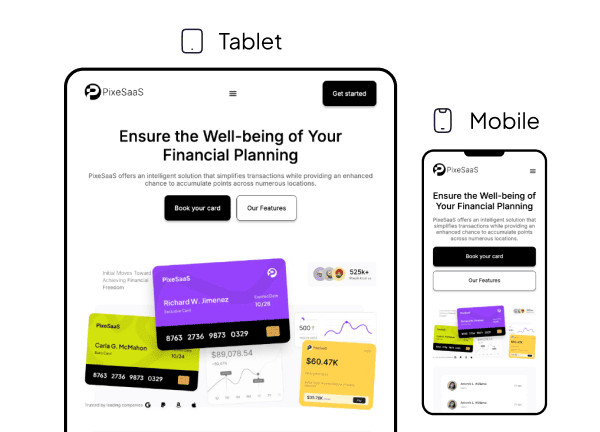
95% Responsive Conversion
Ensure your WordPress site looks great on any device with our 95% responsive conversion process.
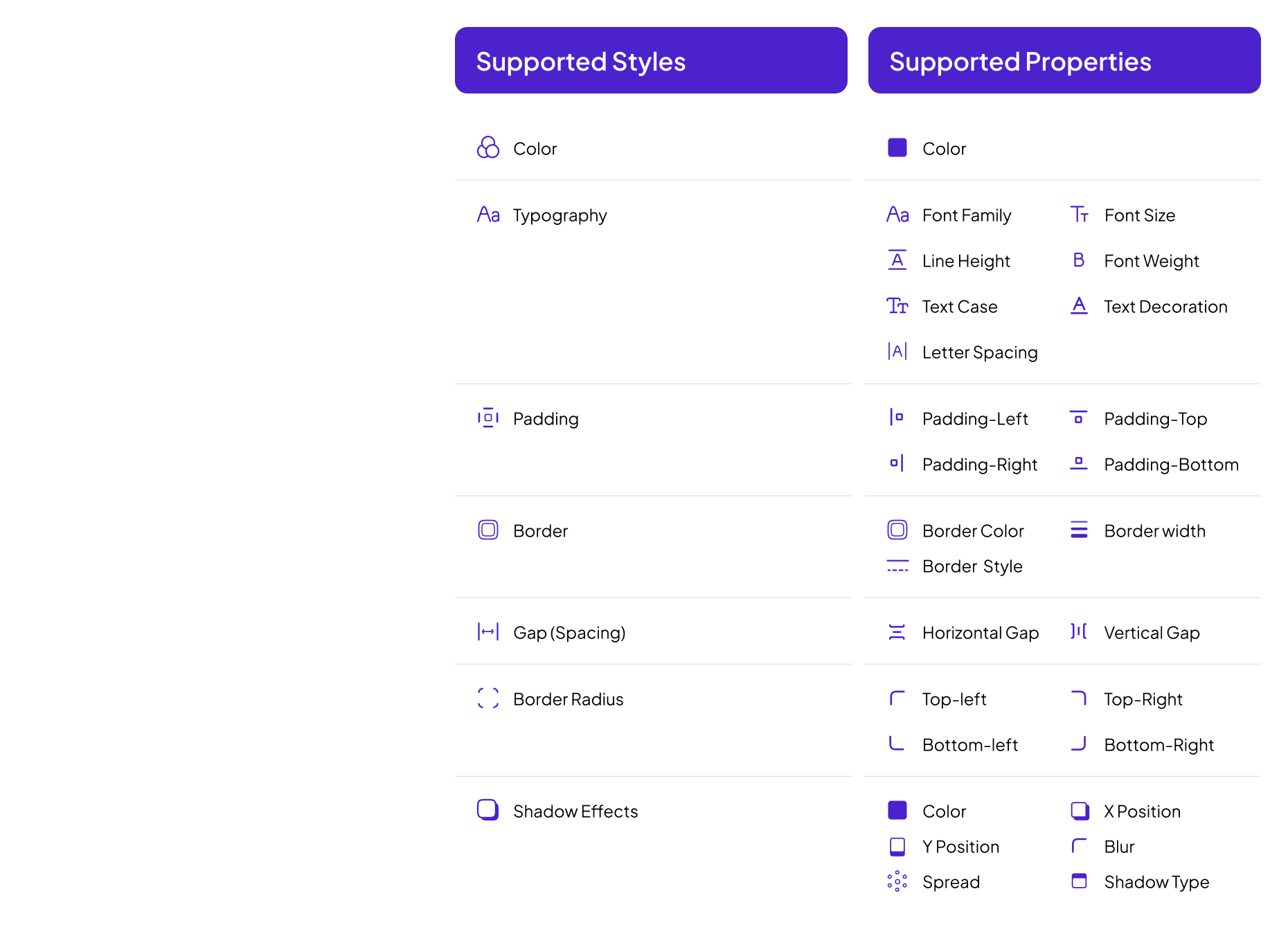
Design System Detection & Sync in Elementor v4
UiChemy detects your Figma variables and styles, and syncs only supported properties into Elementor as variables and reusable classes.
[nexter-builder id=”26186″]
[nexter-builder id=”16024″]
Frequently Asked Questions
For any further help, reach us at [email protected]
or connect via live chat.
Layouts without tagging will be automatically converted into Atomic elements, allowing you to work with a hybrid layout.
Then switch to Atomic Editor v4, go to Sync Global Classes & Variables, and sync your colors, typography, border, padding, gap, shadow, and radius.
When exporting: • Classic widgets will use global colors and typography. • Atomic elements will use variables and reusable classes.
This is because the Atomic button element currently does not support icons.
[nexter-builder id=”15069″]
Convert Your Non-AutoLayout Design Into AutoLayout in Just 3 Steps