
How to Create a UiChemy Account and Activate it?
To easily convert your Figma layout into an Elementor or WordPress template using UiChemy, you have to create an account and download the UiChemy plugin.
Let’s see how you can create a UiChemy account and activate the plugin.

Create an Account
To create an account, follow the steps –
- In Figma, go to Resources > Plugins and search for UiChemy and click on Run.
- It will install the plugin and open the UiChemy interface.
Note: Without purchasing the UiChemy Pro plan, you will not be able to access its features.
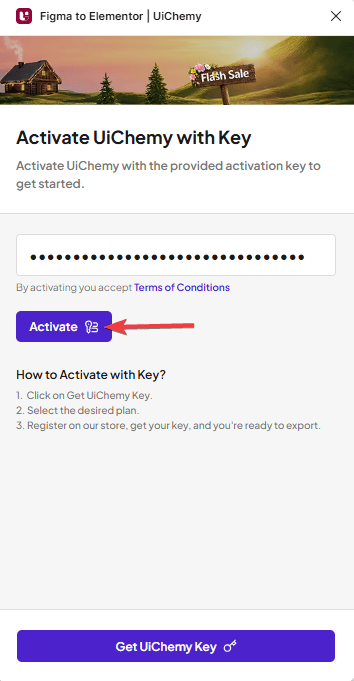
- Now, you have to enter your UiChemy license key and click on the Activate button. To get a license key, click on the Get UiChemy Key button.
- It will take you to the UiChemy pricing page, select the plan, and click on the Buy Now button.
- It will take you to the Posimyth store checkout page. Log in to your account, but if you don’t have an account, you can continue with your Google or Facebook account, or you can create an account manually. Then click on the Get Your Key button to complete your setup.
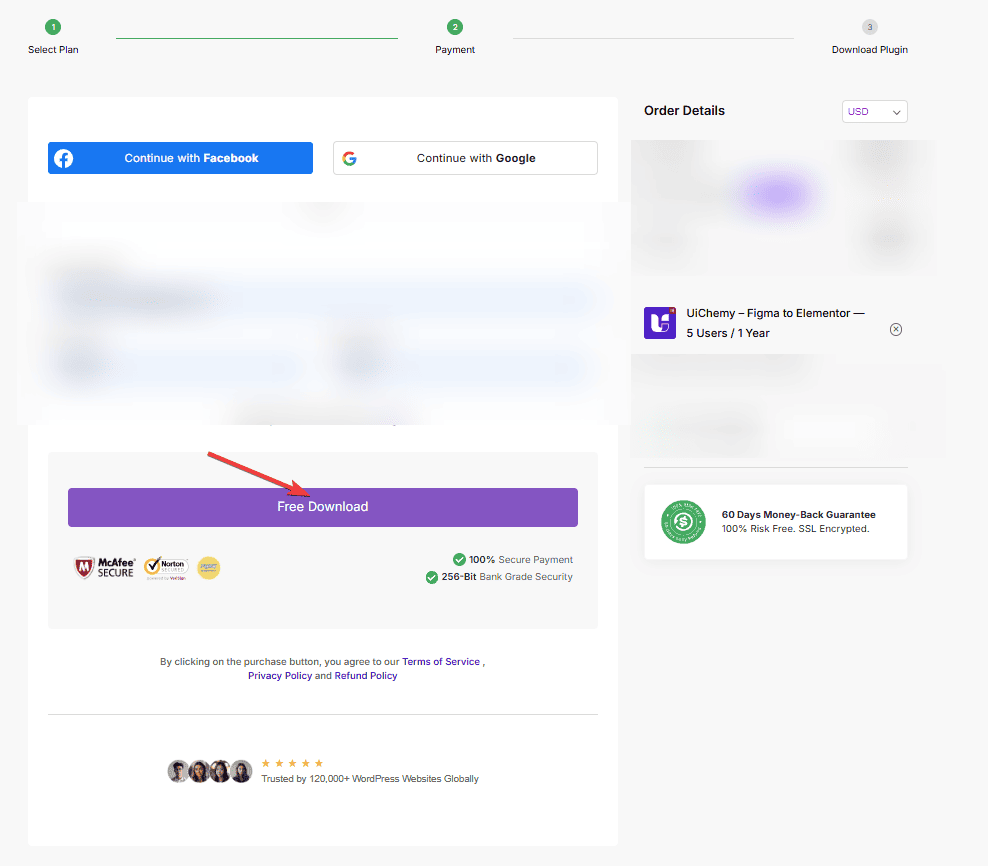
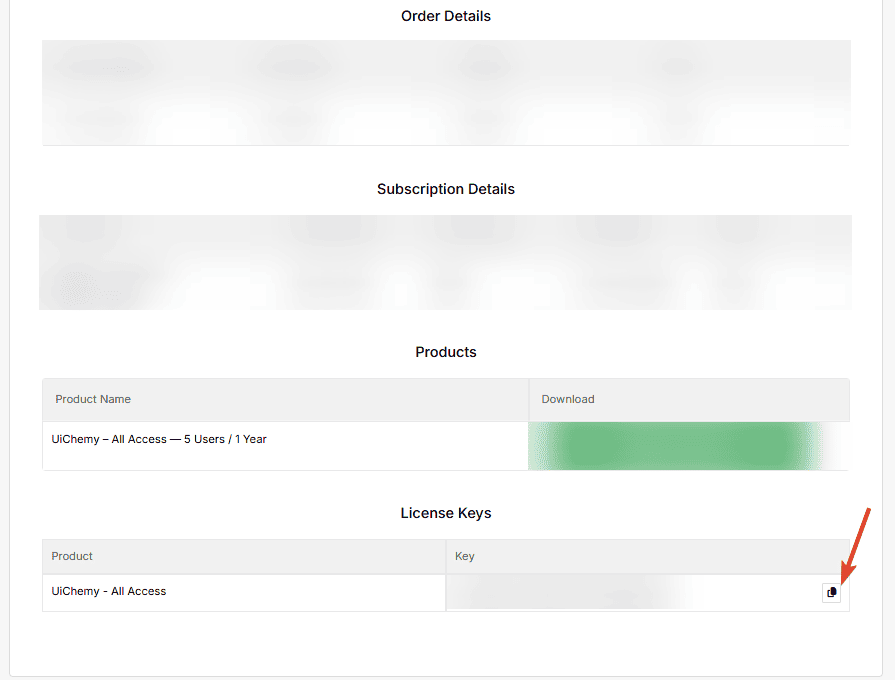
- On the next page, you’ll see your order details with the UiChemy license key. Copy the key.
- Now go back to Figma, and in the UiChemy interface, paste your license key in the Key field, and click on the Activate button to activate your account.
Now you can enjoy the power of UiChemy.