

Many agencies recently asked us a simple question:
“How do we actually optimize designs in Figma before exporting them to WordPress using UiChemy?”
Especially when team members are new to UI/UX, it becomes important to understand:
- how to structure and refine designs
- what to consider before starting
- and how to make exports cleaner and faster
Because the real challenge wasn’t generating designs.
It was making optimization:
- simple
- structured
- and usable across the team.
The Real Problem Agencies Faced
Many agencies needed a better way to:
- Explain optimization internally
- Guide team members with clarity
- Apply optimization consistently in SOPs and workflows
- Reduce manual fixes during export
Not to “learn UI/UX from scratch,”
but to make optimization practical inside real workflows.
The Update: Manual Design Optimization in UiChemy
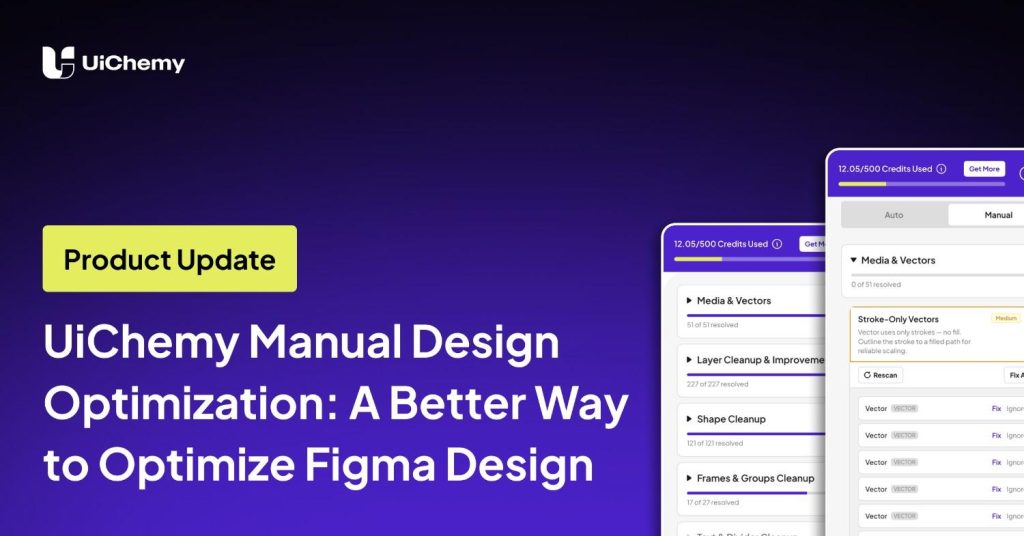
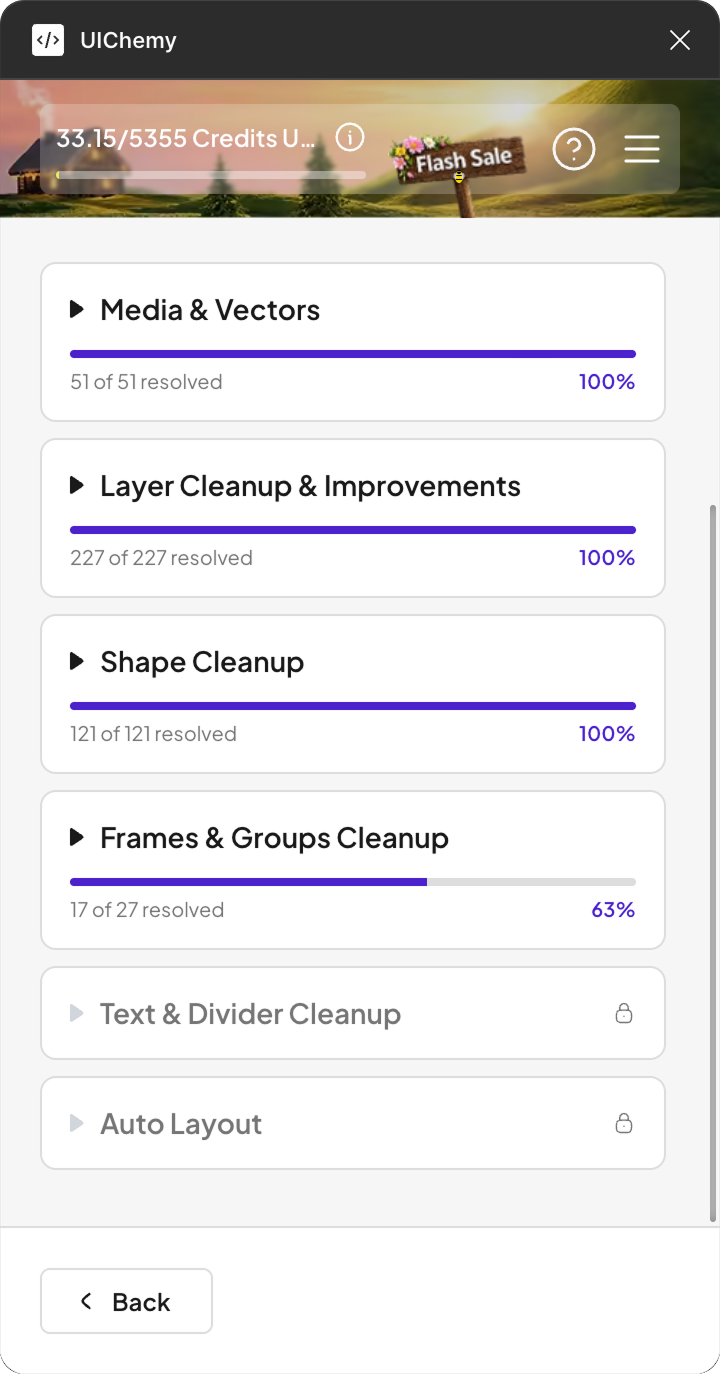
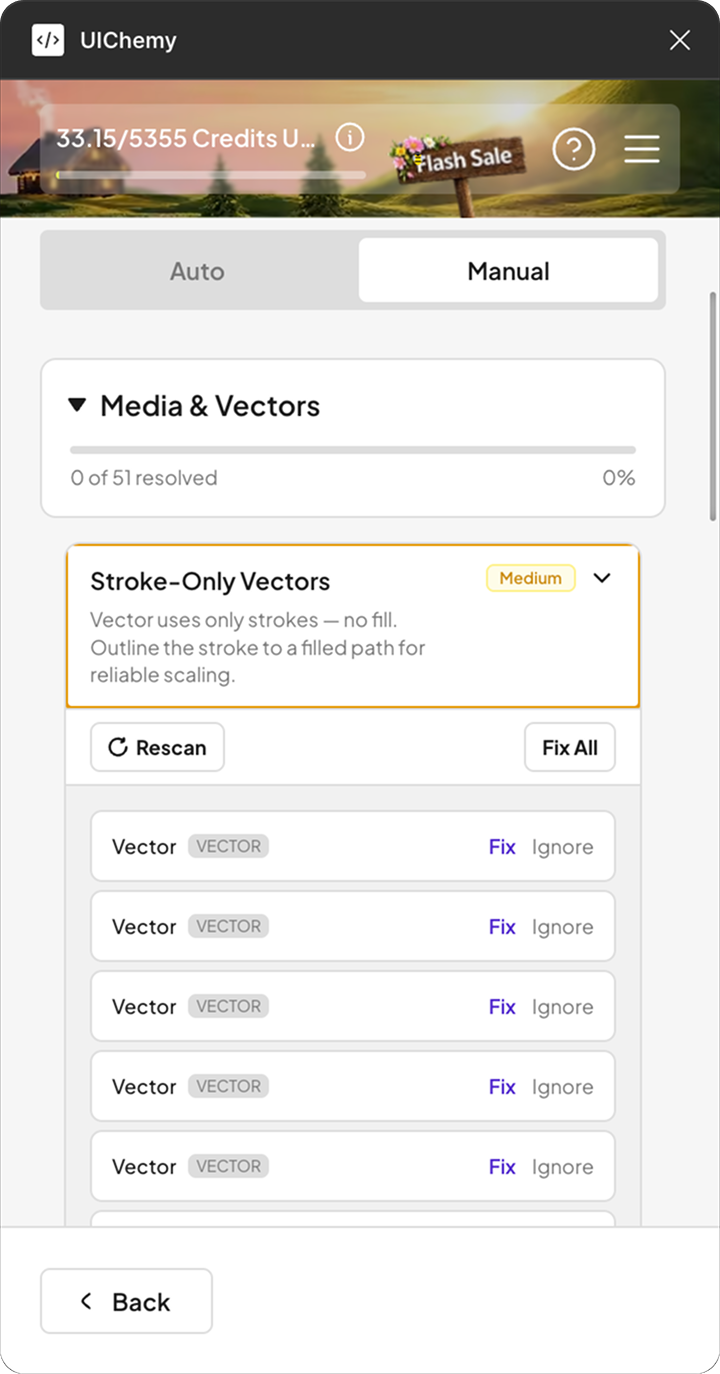
To solve this, we introduced a dedicated section inside UiChemy, Manual Design Optimization
This allows you to:
- Follow a structured optimization process
- Explain things easily within your team
- Use optimization guidance directly in SOPs and setup
- Speed up the exporting process
- Maintain cleaner exports across projects
👉 In simple terms:
You can now explain, apply, and scale optimization more efficiently.
Reduce Manual Work & Improve Export Quality
These updates are designed to:
- reduce manual work
- improve export quality
- create smoother workflows
Manual Design Optimization Support guides you through important optimization steps based on your design structure.
This helps create:
- cleaner exports
- better structured designs
- and more efficient workflows over time
It covers as many suggestions as possible, though some adjustments may still depend on the original design structure.
Another important advantage is that you or your team can gradually learn the optimization process yourselves.
So when starting future designs from scratch, many optimization steps can already be considered beforehand, reducing extra optimization effort later.
Learn Optimization While Working
Another important advantage:
You or your team can gradually learn the optimization process yourselves.
So when starting future designs from scratch, many optimization steps can already be considered beforehand, reducing extra optimization effort later.
This Wasn’t New, But It Needed to Come Back
Interestingly, this is something we had earlier.
But after repeated requests from agencies like E2M, we realized it needed to come back in a better, more usable way.
What Agencies Were Already Doing
Before this update, some agencies had already started solving this internally.
They were:
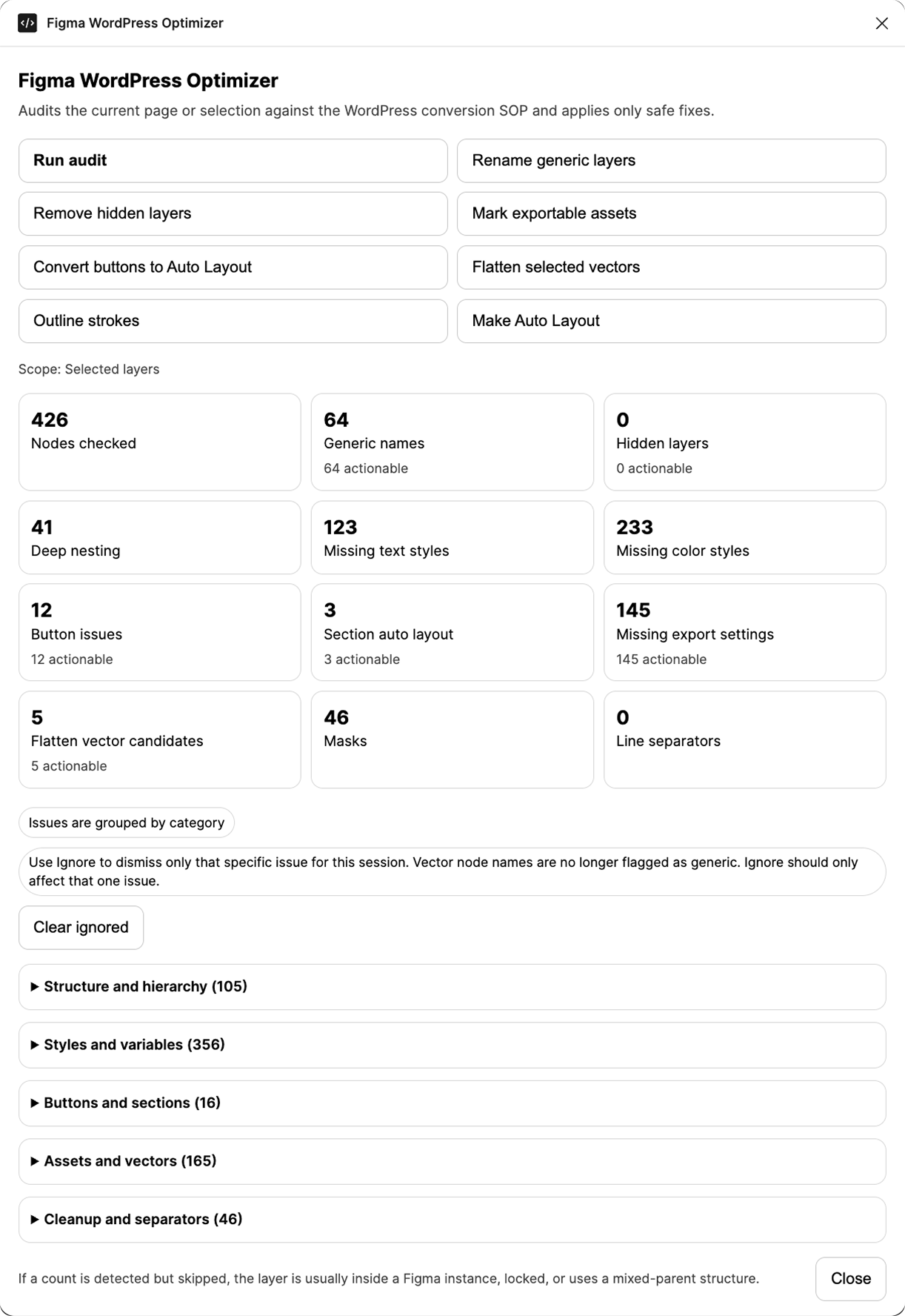
- using AI tools like Claude directly
- creating structured workflows
- preparing internal documentation and screenshots
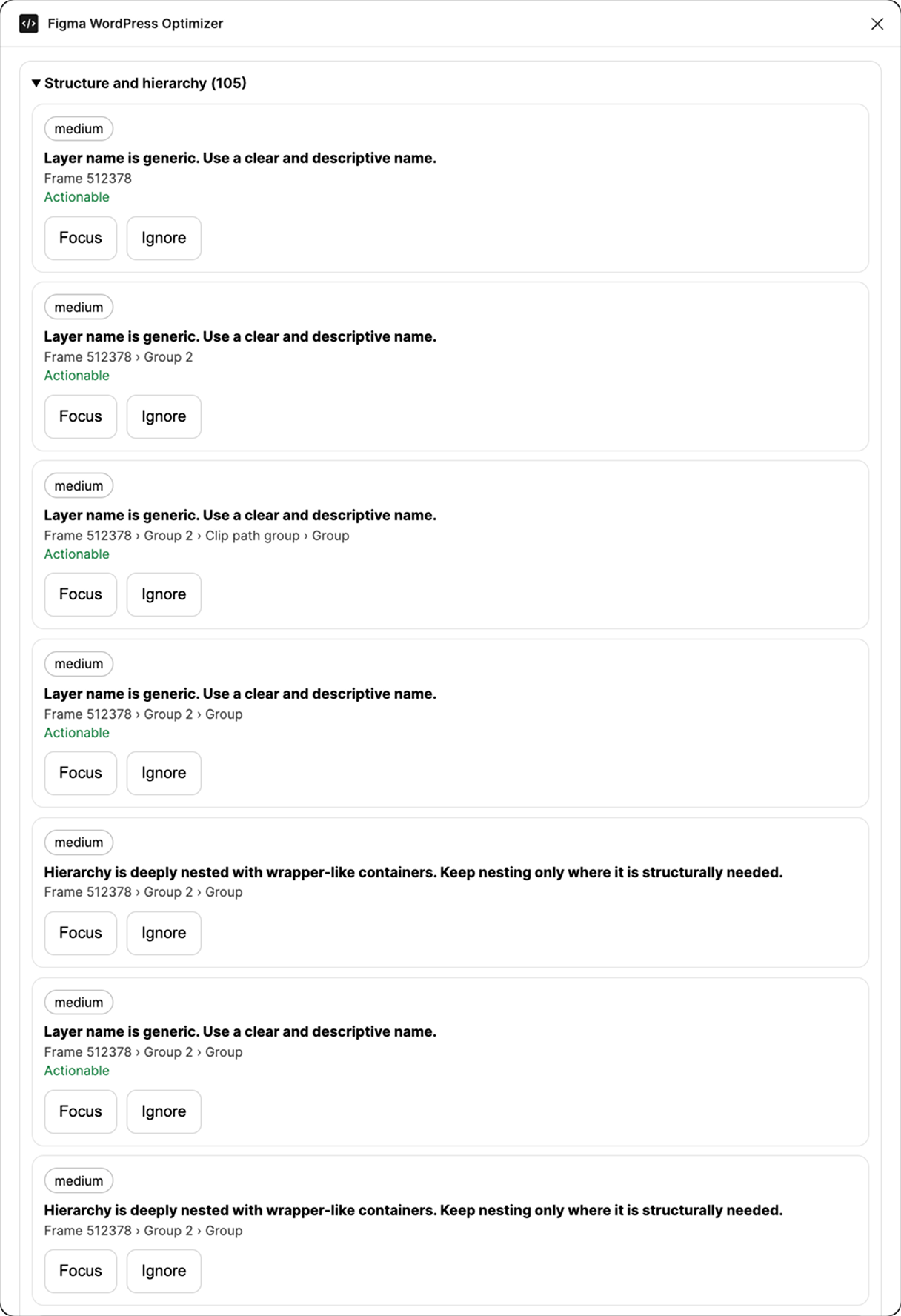
When we saw this, it became clear:
This should be part of UiChemy itself.
Not something every agency has to build on their own.
Why Agencies are Choosing UiChemy Over Claude Code
This isn’t just a feature decision, it’s based on real feedback.
Agencies like E2M shared:
“Why choose UiChemy over Claude Code in today’s AI era?”
And their answer was clear.
Compared to using tools like Claude directly, UiChemy gives them:
- more predictable output
- easier workflows
- and a more cost-effective approach
This update is not about adding complexity.
It’s about making optimization:
- simple
- structured
- practical for teams
So you don’t just generate designs, you can optimize them consistently and export them faster with better quality.