

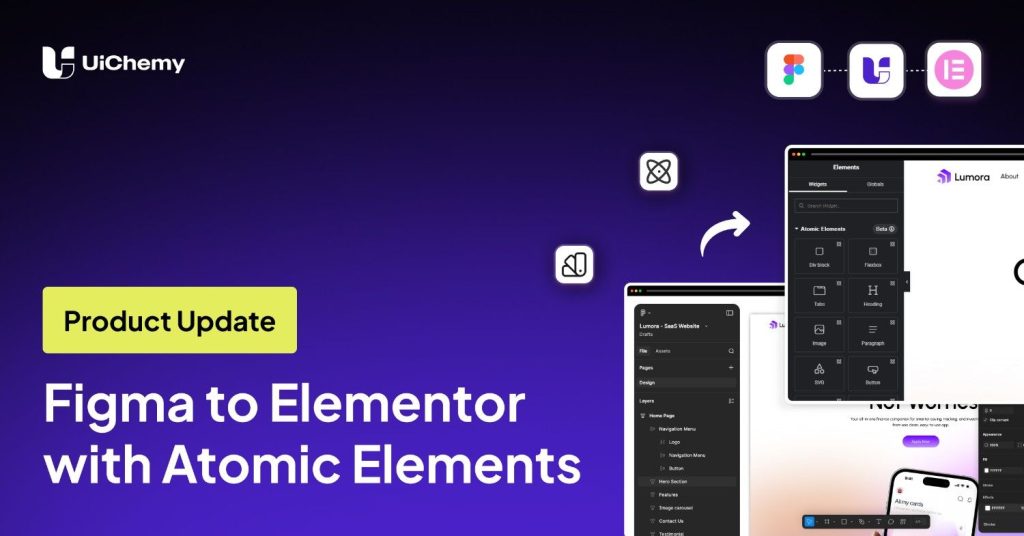
If you’ve ever tried converting a Figma design into Elementor, you already know the struggle.
Rebuilding layouts, fixing spacing, and managing styles, it takes time.
But with the introduction of Atomic Elements in Elementor and UiChemy support, this workflow is changing.
In this guide, we’ll walk you through how to convert a Figma design into a fully working Elementor page, with proper structure, classes, and responsiveness.
Why This Matters
Traditional Figma to Elementor workflows often involve:
- Manually rebuilding layouts
- Re-applying styles
- Fixing responsiveness
With Atomic Elements, the approach becomes more modular and structured.
And when combined with UiChemy, much of this process becomes automated.
What Are Atomic Elements?
Atomic Elements is a newer approach introduced in Elementor.
Instead of relying on rigid structures, elements are broken down into smaller, reusable components.
This helps in:
- Reducing unnecessary complexity
- Improving performance
- Making designs easier to manage and scale
How UiChemy Uses This
UiChemy converts your Figma design into:
- Flexbox elements
- Headings, paragraphs, buttons
- Images and SVG elements
Along with that, it also transfers:
- Figma Variables & Styles → as Elementor reusable classes
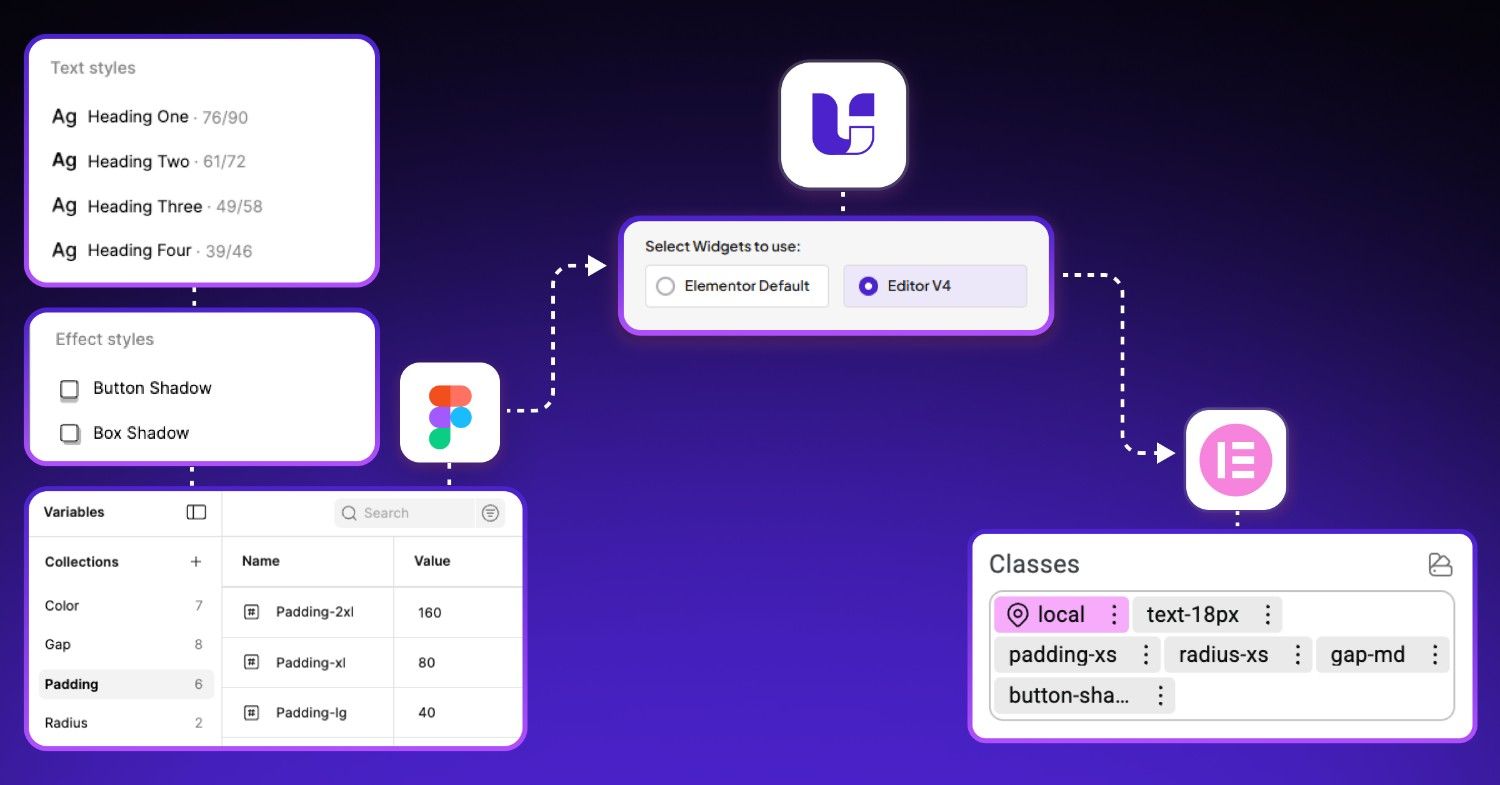
This means your design system stays consistent even after export.
Step-by-Step Overview
Here’s a quick breakdown of the process:
- Prepare your Figma design with proper structure and auto layout
- Open the UiChemy plugin and select the Step-by-Step or Express Conversion method
- Choose Atomic Elements export
- Optimize layers if needed
- Connect your WordPress site
- Sync global variables and styles
- Convert and import into Elementor
The Output
Once converted:
- The layout closely matches the Figma design
- Elements are properly structured
- Classes are already applied
- Everything remains editable
Even responsiveness is handled automatically in most cases.
If you’re still manually rebuilding designs in Elementor, this workflow can save you a significant amount of time.
With Atomic Elements and UiChemy working together, the gap between design and development is getting much smaller.
Watch the Full Video 👇🏻

Conclusion
Figma to Elementor is no longer just about conversion; it’s about maintaining structure, consistency, and speed.
And this approach makes that possible.